
BUILD survey forms LIKE A PRO
Create Expert Survey Forms in Minutes
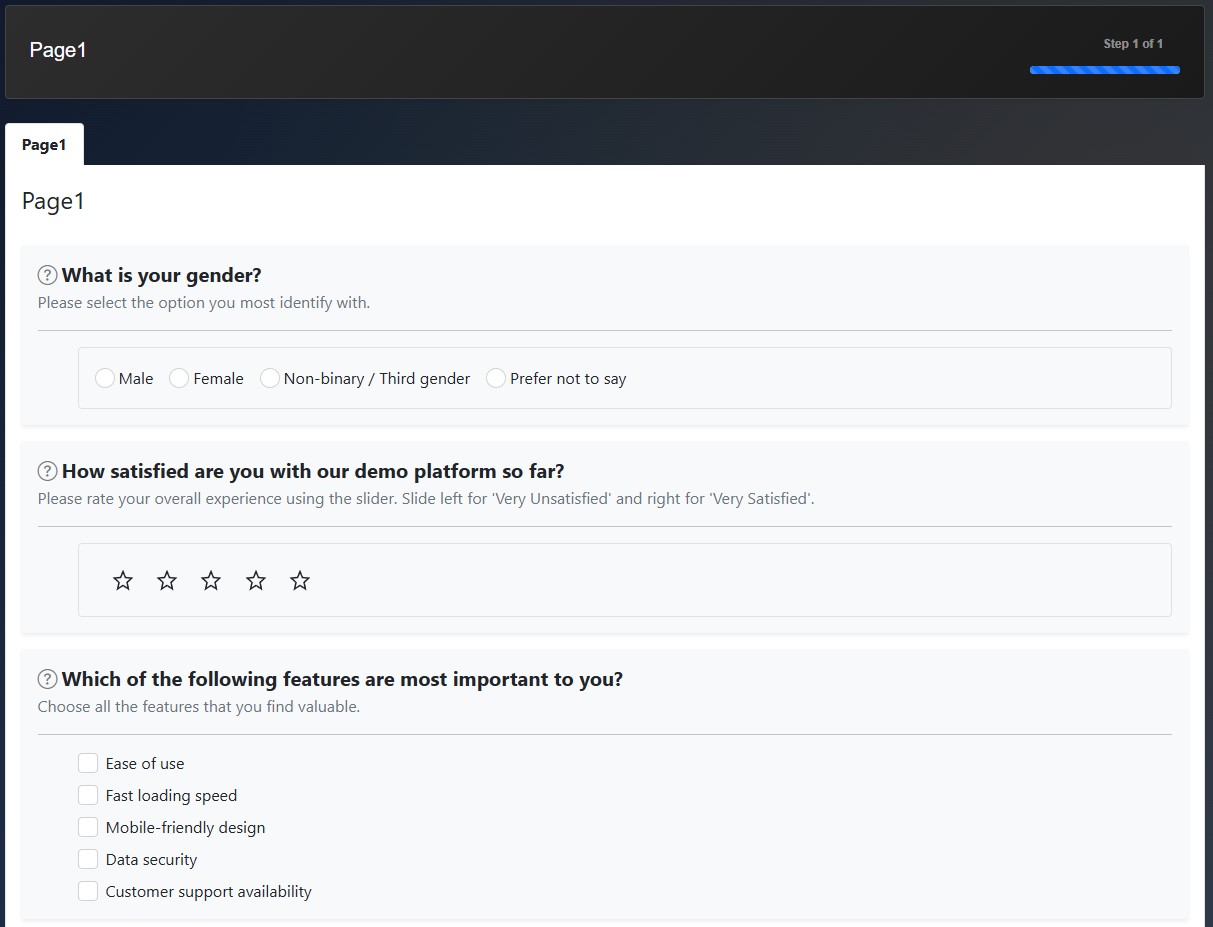
Create single or multi-page survey form in minutes. Add a question, pick an answer type, then fill in the answer choices.
Brand & Design
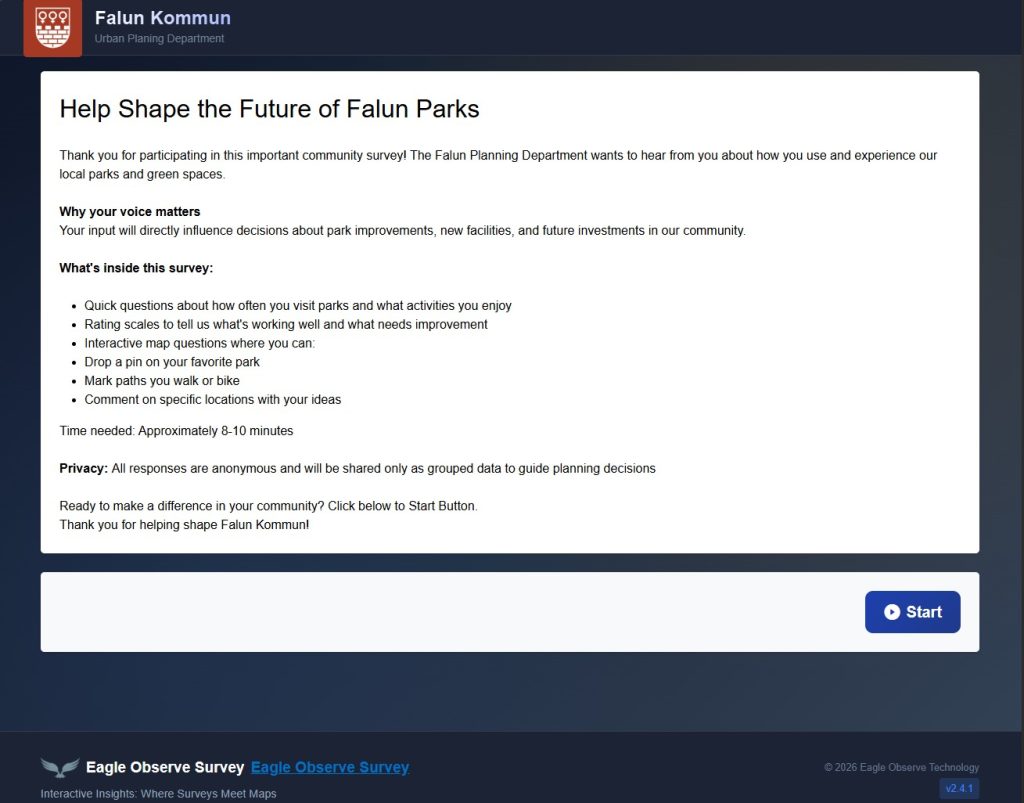
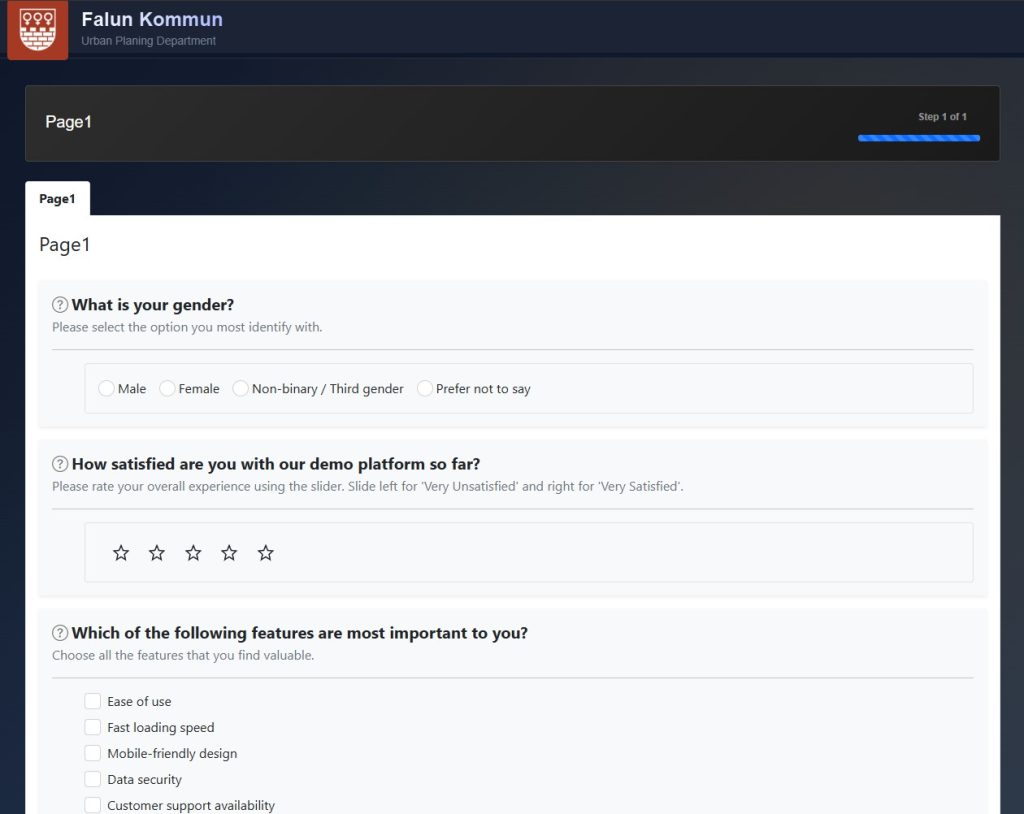
Create a professional and engaging survey from start to finish with our intuitive builder. Start by establishing your brand presence: upload your company logo and add your organization name to create a custom header that appears throughout the survey. From there, design welcoming start and end pages, select from our range of answer types, and organize your questions in the survey pages for a smooth respondent experience.
Essential Response Options
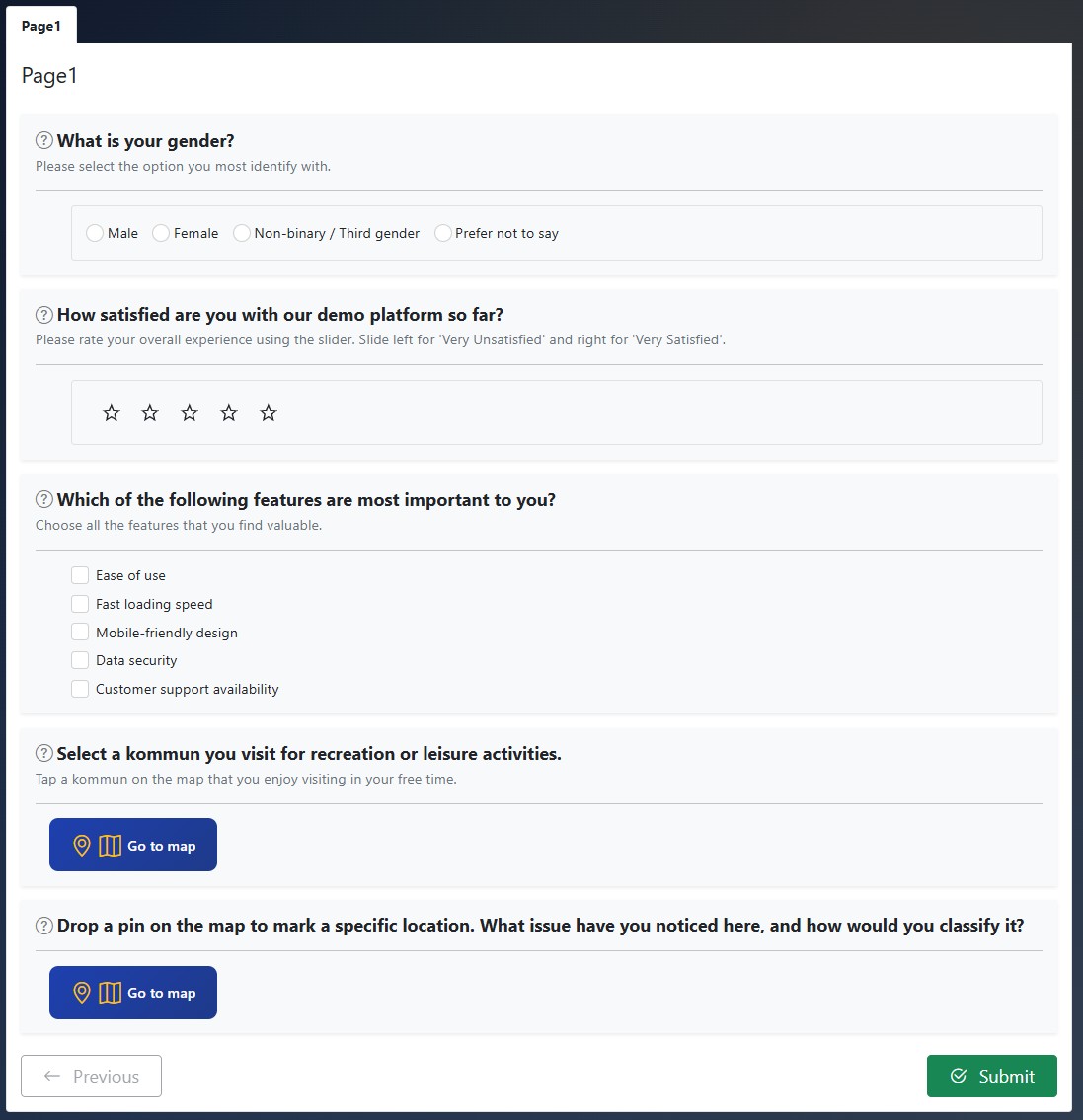
Capture every insight with 8 versatile answer formats. Whether you need a simple checkbox, a precise numeric box, or an intuitive slider, our toolkit has you covered. These core question types including textbox, radio button, dropdown, and rating give you everything required to build professional, research-driven surveys that’s everything you need to build professional surveys that collect both numbers (quantitative) and written feedback (qualitative) .
Geospatial Survey Question
Provide the ability to design survey questions that require respondents to drop a pin or select a feature and submit their answer directly within an embedded map component.
Feature Selection
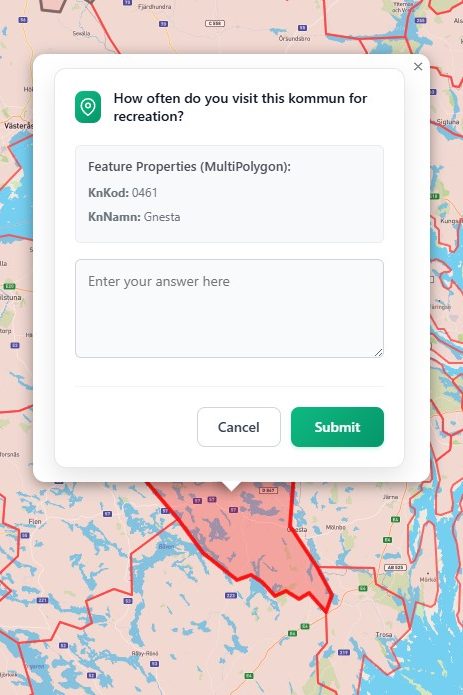
Text Box
Feature selection with Text Box as the answer option
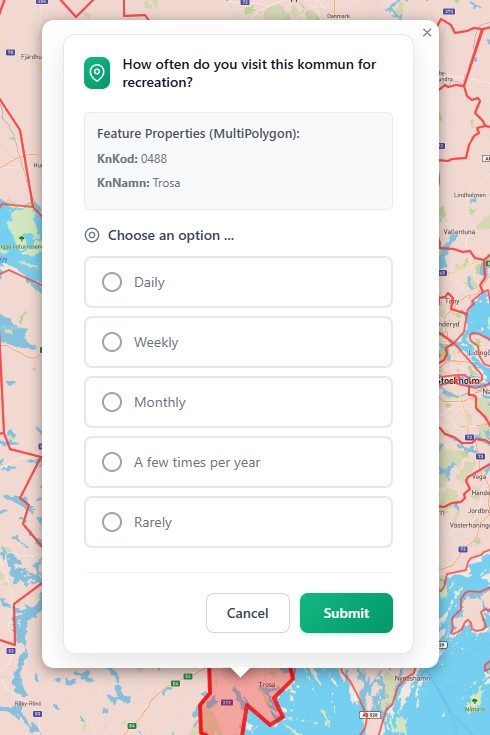
Radio Button
Feature selection with Radio Button as the answer option
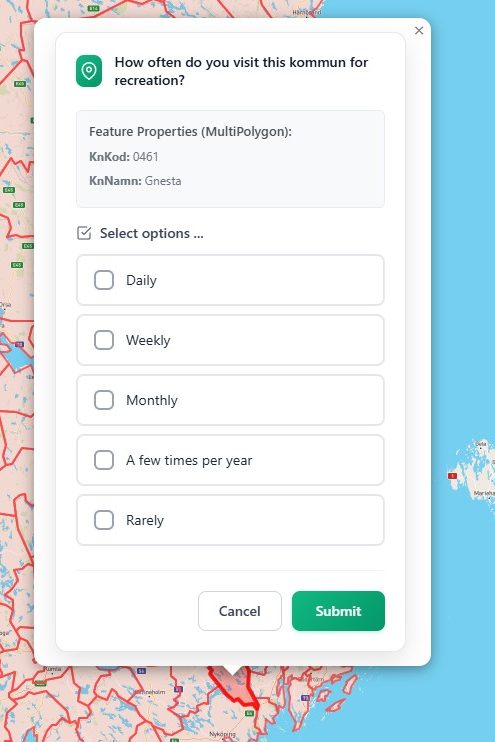
Check Box
Feature selection with Check Box as the answer option
Drop Pin
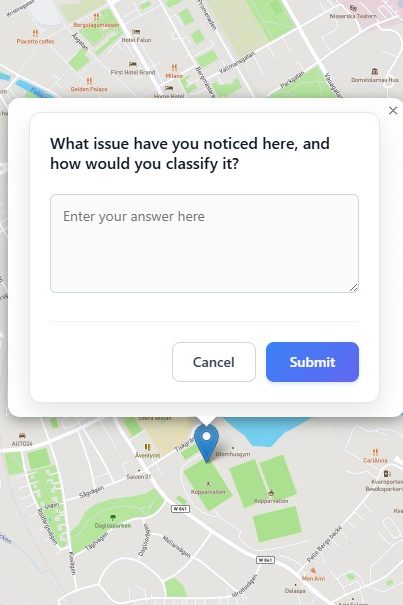
Text Box
Drop pin with Text Box as the answer option
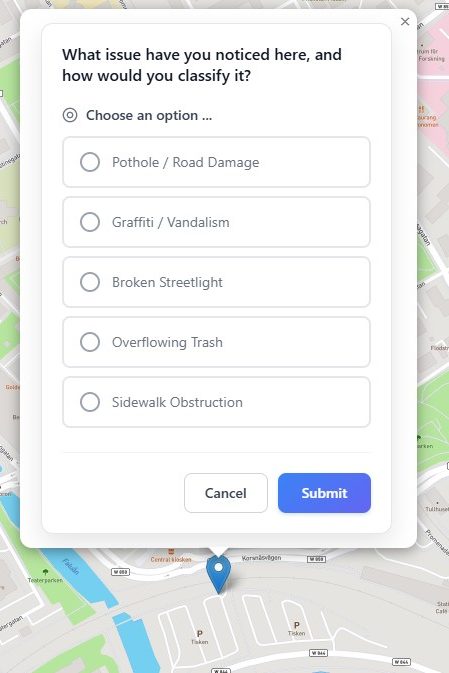
Radio Button
Drop pin with Radio Button as the answer option
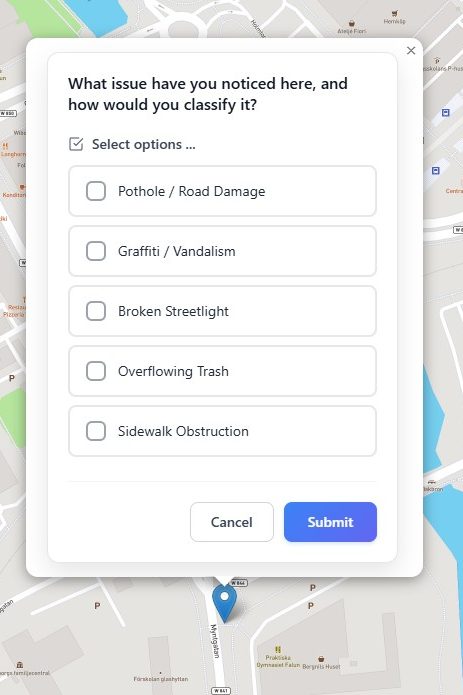
Check Box
Drop pin with Check Box as the answer option